

An ergonomic gaming mouse works best if you spend hours both gaming and working at the same desk, pairing a contoured shape with adjustable DPI up to 20,000 and programmable buttons. A regular ergonomic mouse, often $25 to $80, is the better pick if all-day desk comfort is your only concern and you never game.
- Ergonomic gaming mice typically cost $50 to $150, while dedicated ergonomic office mice usually run $25 to $80.
- A study on standard versus vertical mouse designs found the vertical shape reduced forearm pronation and lowered wrist extensor muscle activity compared to a standard mouse.
- Gaming mice add features like adjustable DPI (400 to 20,000+) and 6 to 12 programmable buttons that regular ergonomic mice rarely include.
- Cornell’s ergonomics program recommends moving the whole arm rather than flicking the wrist, a technique that matters more than which mouse shape you pick.
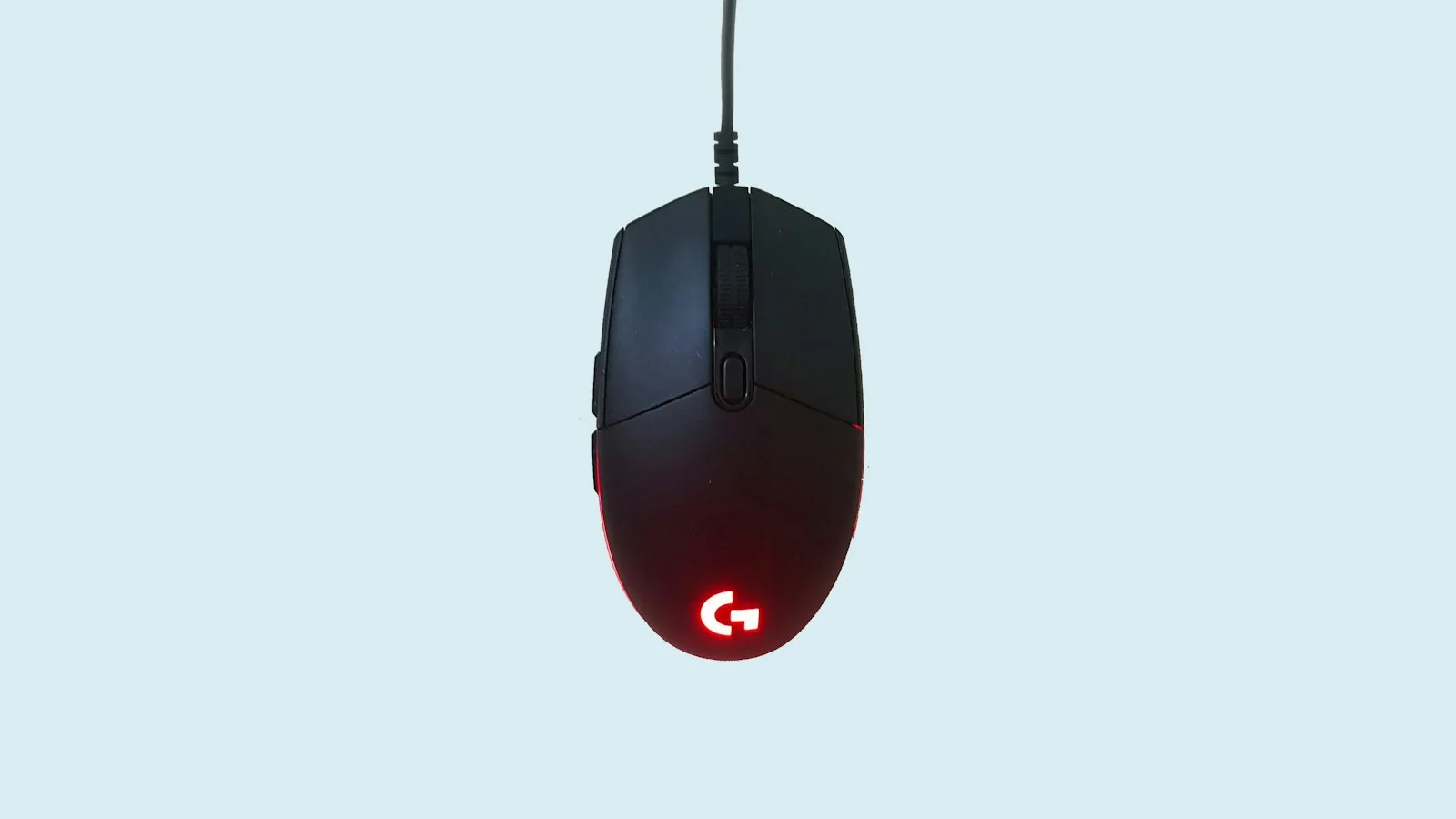
You’ve got a Zoom call in ten minutes and a gaming session planned for tonight, and you’re wondering if one mouse can actually handle both without wrecking your wrist. It’s a fair question. An ergonomic gaming mouse vs regular ergonomic mouse comparison usually comes down to what you do most with your hand, not which one looks more “ergonomic” on the box. If your setup leans toward long typing sessions, our picks for ergonomic mice built for wrist pain are worth a look before you decide. If gaming is the priority, we cover budget-friendly options in our roundup of ergonomic gaming mice under $50.
In this article:
- What is an ergonomic gaming mouse?
- What is a regular ergonomic mouse?
- Comfort compared
- Cost and value compared
- Long-term wrist health compared
- When a gaming mouse is the better choice
- When a regular ergonomic mouse is the better choice
- Can you use both?
- Frequently asked questions
Ergonomic Gaming Mouse vs Regular Ergonomic Mouse: Quick Comparison
| Criteria | Ergonomic Gaming Mouse | Regular Ergonomic Mouse |
|---|---|---|
| Primary goal | Fast, precise tracking during long sessions | All-day comfort during typing and browsing |
| Typical price | $50 to $150 | $25 to $80 |
| DPI range | 400 to 20,000+, adjustable | 800 to 4,000, often fixed |
| Shape | Contoured but low profile for quick moves | Fuller shape, often vertical up to 90 degrees |
| Buttons | 6 to 12+ programmable | 3 to 6 standard |
| Companion software | Yes: macros, lighting, DPI profiles | Rarely, sometimes a single DPI switch |
| Weight | 60 to 100 grams, light for fast flicks | 100 to 140 grams, more substantial base |
| Best for | Gaming plus hybrid work-and-play desks | 8+ hour workdays, wrist and forearm comfort |
What Is an Ergonomic Gaming Mouse?
An ergonomic gaming mouse is built first for speed and precision, with comfort features layered on top. It usually has a contoured right-hand or ambidextrous shell, a lightweight body between 60 and 100 grams, and a high-precision optical sensor with DPI that adjusts from around 400 up to 20,000 or higher. Most models ship with software for remapping buttons, saving DPI profiles per game, and setting RGB lighting. The ergonomic part comes from thumb rests, textured grips, and a shape that reduces the claw-grip strain of older gaming mice, but the priority is still fast tracking, not eight hours of comfortable typing.
What Is a Regular Ergonomic Mouse?
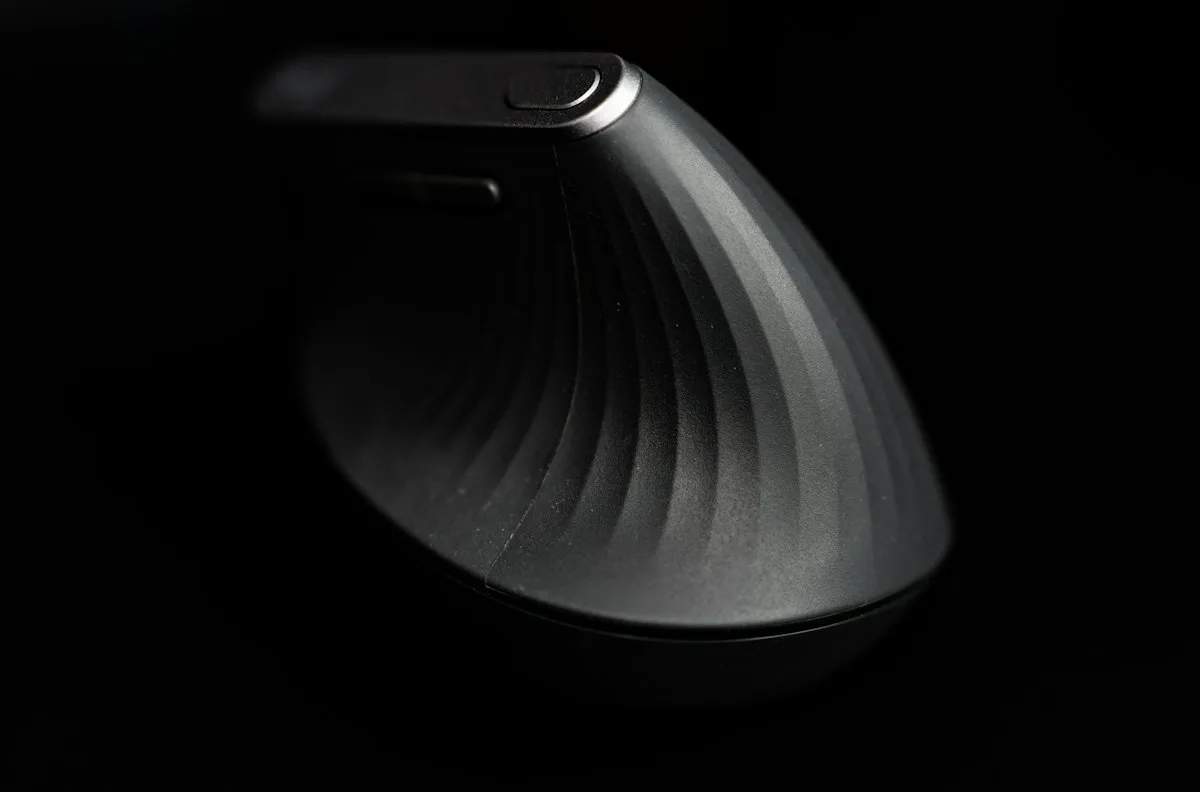
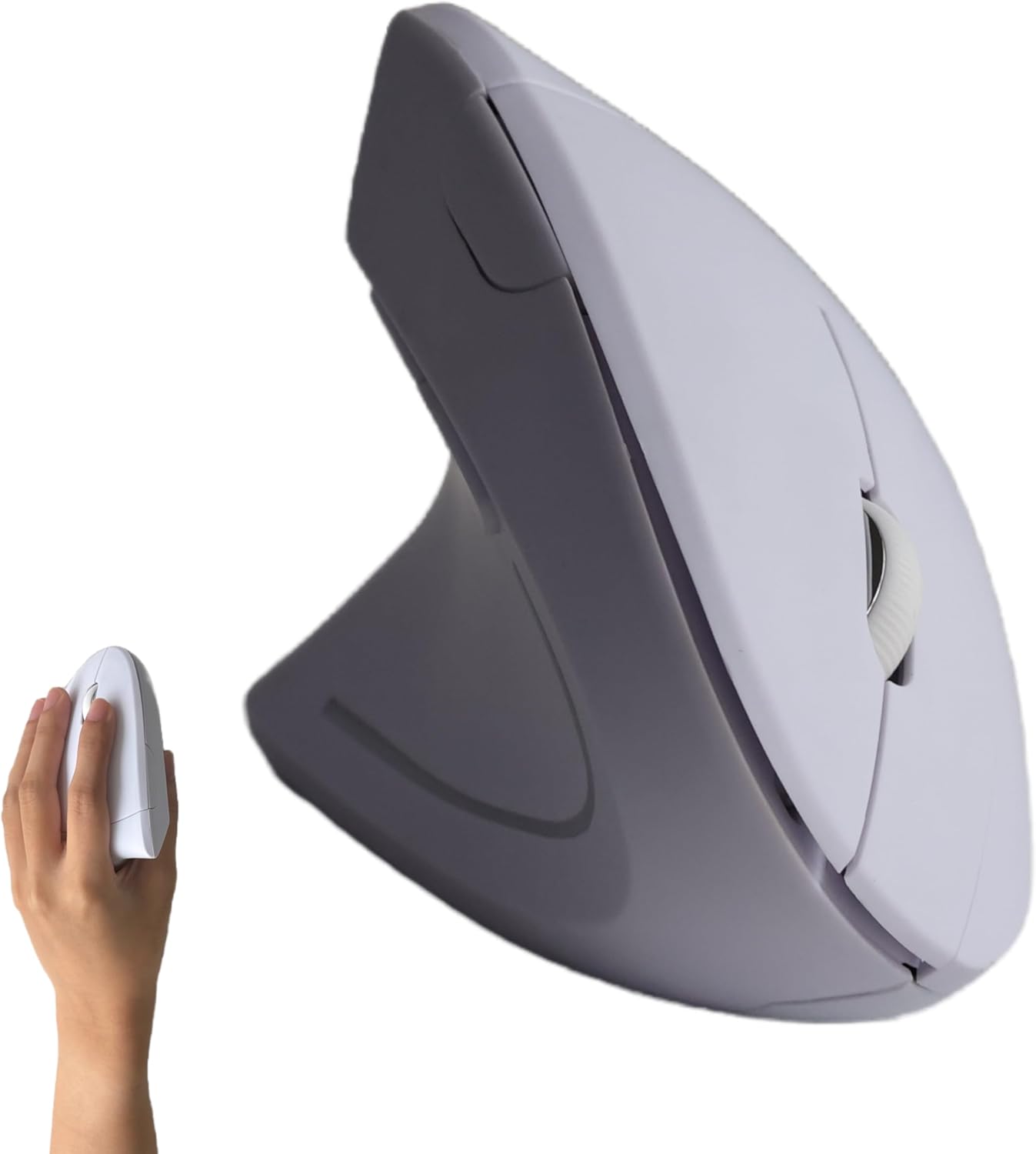
A regular ergonomic mouse is designed around one goal: keeping your hand, wrist, and forearm in a relaxed position through a full workday. Many of these mice use a vertical or angled shape, tilting your hand into a handshake position instead of flat pronation. Others keep a horizontal shape but add a fuller body that fills the palm. DPI usually tops out around 4,000, which is plenty for scrolling spreadsheets and browsing but low for competitive gaming. Buttons are limited to the basics: left, right, scroll, and maybe two side buttons for back and forward. Software is optional or absent entirely.
Ergonomic Gaming Mouse vs Regular Ergonomic Mouse: Comfort
Regular ergonomic mice generally win on comfort for stationary desk work. Cornell’s ergonomics program notes that a pointing device should let your upper arm stay relaxed and close to your body, with movement coming from the whole arm rather than the wrist alone. Vertical and angled mice make that neutral position easier to hold for hours because the hand rests in a natural handshake angle instead of flat rotation.
Gaming mice can still be comfortable, but the comfort is tuned for short bursts of intense movement, not static positioning. A lighter shell and lower profile help you flick and re-aim quickly, which is exactly what makes a mouse tire your forearm faster during six straight hours of email and spreadsheets.
Ergonomic Gaming Mouse vs Regular Ergonomic Mouse: Cost
Regular ergonomic mice are usually the cheaper of the two, typically $25 to $80 for a solid wired or wireless model. Ergonomic gaming mice run $50 to $150, with the jump in price paying for a faster sensor, adjustable weights, and companion software rather than added comfort. If your FSA or HSA funds cover ergonomic equipment, a regular ergonomic mouse is often the easier expense to justify since it’s purchased for a documented comfort or health reason rather than gaming performance.
Ergonomic Gaming Mouse vs Regular Ergonomic Mouse: Long-Term Wrist Health
This is where the two categories diverge the most. Research comparing a standard mouse to a vertical mouse design found the vertical shape reduced forearm pronation and lowered wrist extensor muscle activity during typical mousing tasks. Most regular ergonomic mice borrow that same vertical or angled geometry, which is why they’re commonly recommended for people managing wrist or forearm discomfort.
Ergonomic gaming mice rarely use a full vertical angle because it slows down fast lateral movement, a tradeoff competitive players generally accept. That doesn’t mean a gaming mouse is bad for your wrist. A well-fitted shape combined with whole-arm movement and a mousepad at elbow height can still keep posture reasonably neutral. It just isn’t purpose-built for it the way a dedicated ergonomic mouse is.
When an Ergonomic Gaming Mouse Is the Better Choice
Pick an ergonomic gaming mouse if gaming performance matters to you at all, even casually. The adjustable DPI, programmable buttons, and lighter weight make a real difference in shooters, MOBAs, and anything that needs fast, precise aim. Many models also work fine for office tasks as long as the shape fits your hand and you’re not pulling 8-hour days at the keyboard. See our roundup of ergonomic gaming mice under $50 for budget picks that don’t skip comfort entirely.
When a Regular Ergonomic Mouse Is the Better Choice
Pick a regular ergonomic mouse if you’re at a desk most of the day and gaming isn’t part of your routine, or if you’re already dealing with wrist, forearm, or shoulder discomfort. The vertical or angled shape, lower weight in some models, and lack of gaming-focused tradeoffs make it the safer default for a home office setup. Our guide to ergonomic mice for carpal tunnel and wireless ergonomic mouse picks under $50 both cover this category in more depth.
Can You Use Both?
Yes, and plenty of home office setups do exactly that. Keep a regular ergonomic mouse at your primary desk for work hours, then swap in the gaming mouse for evening sessions, especially if gaming happens at a different desk or a docked laptop. If you’re using one mouse for both, look for a hybrid model with a contoured shape, moderate weight around 90 to 100 grams, and adjustable DPI. It won’t beat a dedicated mouse at either job, but it closes the gap enough for casual use. If you’re switching between shapes often, expect a short adjustment period each time; our guide on how long it takes to get used to a vertical mouse covers what that transition typically feels like.
Frequently Asked Questions
Is a gaming mouse bad for your wrist?
Not inherently. A gaming mouse that fits your hand size and lets you keep a relaxed, whole-arm movement can be fine for moderate use. The risk is higher during long typing sessions, since most gaming mice skip the vertical angle that reduces wrist strain.
Can I use a gaming mouse for work all day?
You can, but comfort depends heavily on the specific shape and your hand size. Many gaming mice are lighter and flatter than dedicated ergonomic mice, which can tire your forearm faster over an 8-hour day than a mouse built for stationary use.
Do ergonomic mice reduce carpal tunnel risk?
An ergonomic mouse may help reduce the wrist positions associated with strain, particularly extension and forearm pronation, but no mouse prevents or treats carpal tunnel syndrome on its own. See our picks for ergonomic mice for carpal tunnel for models built around this concern.
Does higher DPI matter for ergonomics, not just gaming?
Not directly. DPI controls cursor speed relative to hand movement, and a comfortable setting varies by person and monitor size. Neither low nor high DPI has been shown to consistently reduce wrist strain on its own; hand posture and movement technique matter more.
Are vertical mice a type of ergonomic mouse?
Yes, vertical mice are one of the most common ergonomic mouse designs, angling the hand into a handshake position instead of flat pronation. See our comparison of vertical mice and trackballs for how that shape compares to other alternatives.
How long does it take to adjust to switching mouse types?
Most people adapt to a new mouse shape within a few days to two weeks of regular use, though switching back and forth between two very different shapes can take longer to feel natural for either one.
The short version: an ergonomic gaming mouse and a regular ergonomic mouse solve different problems, and the “best” one depends on how your day actually splits between work and play. If most of your mouse time is spent in spreadsheets and browser tabs, a regular ergonomic mouse is the safer long-term choice for your wrist. If gaming is a real priority, a well-fitted gaming mouse with a contoured shape can work for both, as long as you’re not spending 8-plus hours a day on it.
Sources
- Cornell University Ergonomics Web (CUErgo), Computer Workstation Ergonomics Guidelines
- Cornell University Ergonomics Web (CUErgo), Computer Mouse Research and Guidelines
- PubMed, Biomechanics and Performance When Using a Standard and a Vertical Computer Mouse
- PubMed, Evaluating the Effect of Four Different Pointing Device Designs on Upper Extremity Posture and Muscle Activity During Mousing Tasks





Write Your Review
No reviews yet. Be the first to share your experience!