

Most people need one to two weeks of daily use before a vertical mouse feels natural. The clicking and pointing accuracy itself comes back much faster: a controlled study found performance levels off after about 30 repetitions of a task, often within a single session, even though cursor control feels less precise for the first stretch.
- A controlled study found pointing-and-clicking accuracy plateaus after roughly 30 repetitions of a task, not weeks, for the raw motor skill.
- A vertical mouse cuts forearm pronation from about 42 degrees to 28 degrees and lowers wrist extensor muscle activity from 16 percent to 13 percent, according to biomechanics research.
- Full-day comfort typically takes one to two weeks of regular use to catch up with that faster accuracy recovery.
- A steeper vertical angle takes longer to adjust to than a lightly slanted mouse.
- If accuracy still feels off after two weeks, the angle or size is more likely the problem than your adjustment period.
In this article:
- The quick answer by mouse angle
- Why it takes time to adjust
- How to speed up the adjustment
- Special cases
- Signs you chose the wrong angle
- Frequently asked questions
The Quick Answer: Adjustment Time by Mouse Angle
| Mouse Angle | Typical Adjustment Time | What Changes First |
|---|---|---|
| Slight slant (20-30 degrees) | 2 to 4 days | Minimal relearning, closest to a standard mouse feel |
| Moderate vertical (45-60 degrees) | About 1 week | Grip and click accuracy adjust together |
| Full vertical (70-90 degrees) | 1 to 2 weeks | Cursor control recovers first, grip comfort follows |
These ranges assume daily use for most of a workday. Occasional use, an hour here and there, stretches the timeline out, since your hand doesn’t build consistent muscle memory between sessions that are days apart. Daily, consistent use is what drives the numbers above. Someone using the mouse for two hours on a Monday and not touching it again until Thursday is effectively restarting the adjustment each time, rather than building on the previous session.
Why It Takes Time to Adjust
Your hand and forearm have spent years learning the grip and micro-movements of a flat mouse. A vertical mouse changes the angle of your palm and which muscles do the work, so your brain has to build a new motor pattern rather than adjust an old one. Cornell’s ergonomics program points out that the standard pronated, palm-down grip most people use on a flat mouse isn’t a natural resting position for the wrist to begin with, and a vertical mouse shifts your hand closer to a relaxed handshake position instead (Cornell CUErgo, 10 Tips for Mouse Use).
A study measuring the actual biomechanics found a vertical mouse cut forearm pronation from about 42 degrees with a standard mouse down to 28 degrees, and lowered wrist extensor muscle activity from 16 percent to 13 percent of its maximum output (PubMed, Biomechanics and performance when using a standard and a vertical computer mouse). That’s the payoff behind the adjustment period: less muscle working harder just to hold your hand in position hour after hour. The tradeoff is that your muscles have to learn a new resting pattern to actually access that reduced strain, which is exactly the kind of relearning that takes days rather than minutes.
The learning curve itself is shorter than most people expect going in. A study comparing a slanted mouse against a fully vertical mouse on a repeated pointing-and-clicking task found performance plateaued after about 30 repetitions, though the vertical mouse took longer to reach that plateau than the slanted one did (PubMed, Comparing learning during the familiarization phase with a slanted mouse and a vertical mouse). In practice, that plateau often happens within your first hour or two of real use, well before the one-to-two-week mark where full-day comfort catches up with it. The gap between those two timelines, fast motor learning versus slower comfort adjustment, is why some people report feeling coordinated with the mouse almost immediately while still describing it as awkward or tiring by the end of the day for another week or so.
How to Speed Up the Adjustment
- Start with short sessions. Use the vertical mouse for an hour or two at a time for the first few days, switching back to your old mouse for detailed work, rather than forcing a full workday switch on day one.
- Lower your sensitivity temporarily. A slightly slower cursor gives you more room to correct small aiming errors while your hand relearns the angle, then speed it back up once accuracy returns.
- Practice the motion, not just the clicking. Spend a few minutes moving the mouse in slow, deliberate lines and circles before diving into normal work, similar to the repeated movements behind that 30-repetition plateau.
- Keep your grip loose. Gripping tightly to compensate for uncertainty slows the adjustment down and adds strain in exactly the spot the mouse is supposed to relieve.
- Give it the full stretch before judging it. Two or three days of frustration is normal. Abandoning the switch at day two means quitting right before accuracy typically levels off. If you track nothing else, note how you feel at the end of day three versus day one, since that comparison is usually where the improvement becomes obvious.
Special Cases
Gamers and detail work. Anyone doing precision work, gaming, photo editing, CAD, should expect the longer end of the range or beyond it. Everyday clicking and scrolling tolerates small aiming errors that competitive gaming or pixel-level editing doesn’t, so the accuracy plateau matters more and takes more deliberate practice to reach.
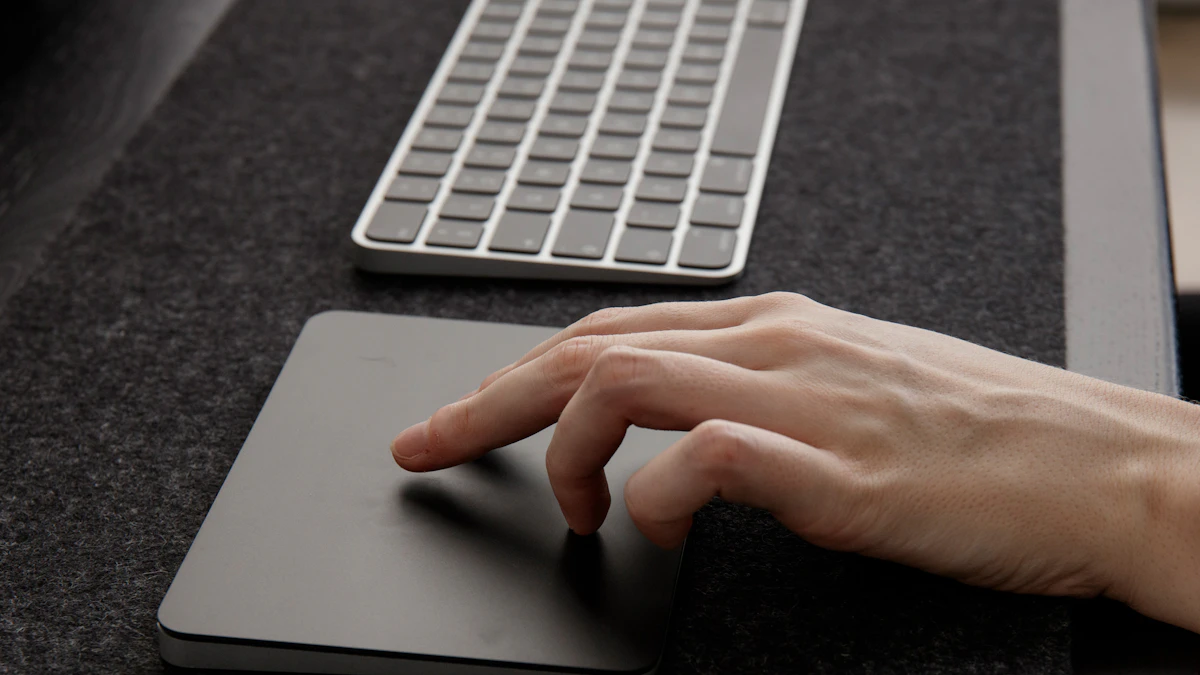
Switching from a trackpad. This comparison cuts both ways. Your hand isn’t carrying years of flat-mouse muscle memory to unlearn, which can shorten the adjustment. But you also haven’t built any mouse-specific cursor control at all, so absolute pointing accuracy may take longer to feel confident even as the ergonomic side adjusts quickly.
Switching hands entirely. If wrist pain is forcing you to move the mouse to your non-dominant hand at the same time you’re switching to a vertical design, expect the longer end of the range or more. You’re building two new motor skills at once instead of one, and rushing that combination tends to backfire into more frustration, not less. Give yourself permission to move slower in that scenario specifically, since the goal is a lasting switch, not a fast one.
Signs You Chose the Wrong Angle
- Discomfort increases instead of easing after two weeks. Some awkwardness in week one is expected. A trend that’s getting worse, not better, usually means the angle or size doesn’t fit your hand.
- You unconsciously grip much harder than you did with a flat mouse. That often means the angle is too steep for your hand, forcing you to squeeze to keep control instead of resting naturally.
- Your wrist still rests flat on the desk while using it. A vertical mouse that doesn’t actually lift your palm off the surface isn’t delivering the pronation reduction it’s built for.
- Your pinky or ring finger cramps regularly. Often a sign the mouse body itself is too large or too small for your hand, not something more practice time fixes.
Angle and size are the two variables that actually matter here, not willpower. A 90-degree mouse built for a large hand will never feel right in a small one no matter how many weeks pass, and the reverse is just as true. If you’re seeing two or more of these signs after giving it a genuine two-week try, the fix is usually a different size or angle, not more patience. Our guide to whether vertical mice help with wrist pain covers who benefits most from the switch in the first place, and our picks for the best wireless ergonomic mouse cover a range of angles if your first choice didn’t fit.
Frequently Asked Questions
Is it normal to be slower with a vertical mouse at first?
Yes. A temporary drop in speed and precision during the first days is expected and reported in controlled studies, not a sign you picked the wrong mouse.
Do gamers need longer to adjust to a vertical mouse?
Often yes. Precision-heavy tasks demand more accurate control than everyday use, so the adjustment period tends to run longer and benefits from more deliberate practice.
Can I switch back and forth between a vertical and flat mouse?
Yes, though frequently switching can slow down how quickly either grip becomes fully automatic. Most people who alternate report a longer overall adjustment than those who commit to one mouse.
Does hand size affect adjustment time?
Yes. A mouse sized wrong for your hand, too large or too small, extends the adjustment period regardless of the angle, since your grip never fully settles.
Will a vertical mouse ever feel as fast as my old mouse?
For most people, yes, once the initial adjustment period passes. Research on ergonomic mouse designs has found comparable speed and accuracy to standard mice after users are fully familiarized, so the adjustment period is a temporary cost, not a permanent tradeoff.
Give a vertical mouse one to two weeks of regular daily use before deciding whether it’s working for you. The clicking accuracy itself comes back fast, often within the first session or two. Full comfort takes longer to catch up, and that gap is normal, not a sign something is wrong. Judge the switch at the two-week mark, not the two-day mark.
Related reading: Vertical Mouse vs Trackball for Arthritis
Sources
- PubMed, Comparing learning during the familiarization phase with a slanted mouse and a vertical mouse when performing a repeated pointing-clicking task
- PubMed, Biomechanics and performance when using a standard and a vertical computer mouse
- Cornell University Ergonomics Web (CUErgo), 10 Tips for Mouse Use





Write Your Review
No reviews yet. Be the first to share your experience!