

The correct keyboard tray height puts your keyboard at elbow height, with your elbows bent between 90 and 100 degrees. The tray should tilt down and away from you at a 5 to 10 degree negative angle. Get those two numbers right and your wrists stay straight instead of bending upward.
- Most desks sit 28 to 30 inches high, a number set for writing, not typing, according to OSHA.
- The correct keyboard height keeps your elbow angle between 90 and 100 degrees, measured from upper arm to forearm.
- A negative tilt of 5 to 10 degrees, back of the tray lower than the front, is what Cornell’s ergonomics program calls the gold standard for wrist posture.
- If you stand at a sit-stand desk, a steeper negative tilt, up to 15 degrees, often feels more natural.
- A keyboard set too low or too high bends your wrists at extreme angles, which OSHA links to tendon strain over time.
In this article:
- The quick answer by height
- Why height and angle matter
- How to measure your own setup
- How to adjust your tray
- Special cases
- How this interacts with monitor height
- Signs it’s set wrong
- Frequently asked questions
The Quick Answer: Keyboard Tray Height by Elbow Position
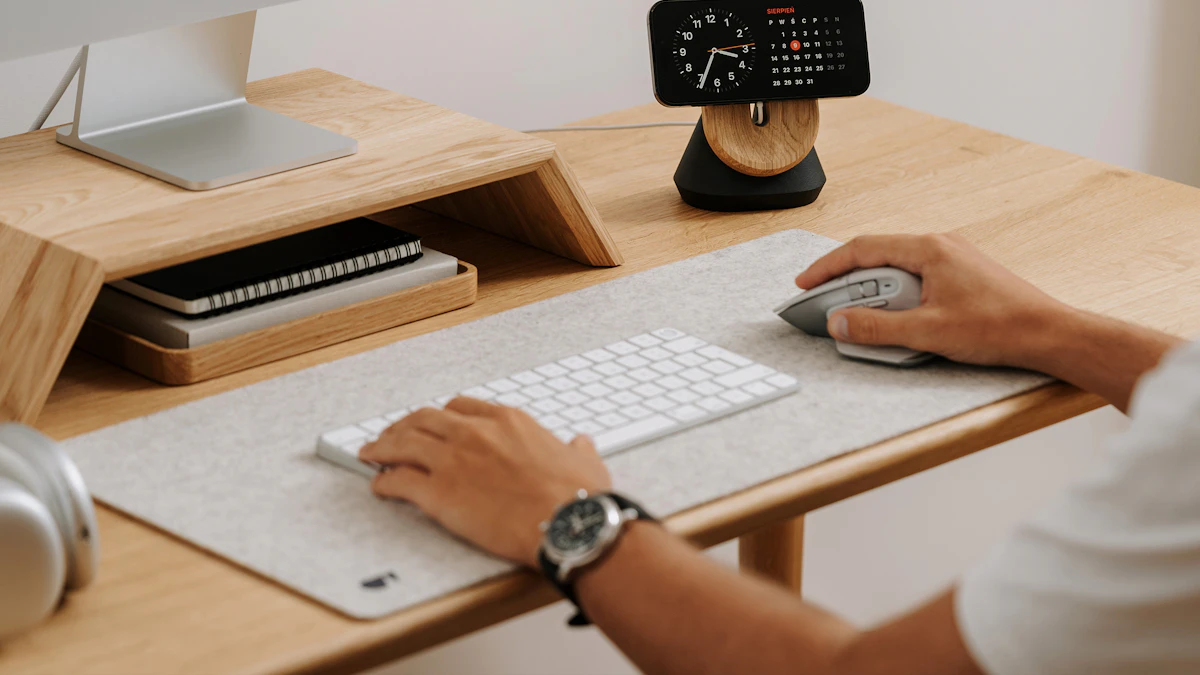
The quick way to check your number: sit back in your chair, let your arms hang relaxed at your sides, then bend your elbows to 90 degrees without lifting your shoulders. Wherever your hands land is roughly where your keyboard should sit.
| Height (inches from floor) | Elbow Angle | Typical Chair Seat Height |
|---|---|---|
| 20 to 23 | 95 to 100 degrees | 15 to 16 inches |
| 23 to 26 | 90 to 95 degrees | 17 to 18 inches |
| 26 to 29 | 90 degrees | 19 to 20 inches |
These numbers assume a standard office chair seat height. Taller or shorter than average, or using a standing desk, changes the math, covered below.
Why Keyboard Tray Height and Angle Matter
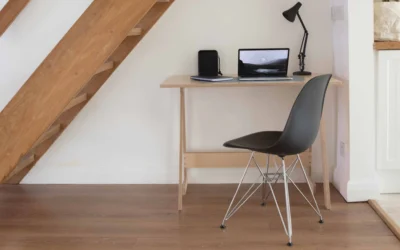
A standard desk sits 28 to 30 inches high. That’s fine for handwriting, where your forearm rests flat on the surface. It’s too high for typing, where your wrists need to stay straight instead of cocked upward to reach the keys.
OSHA’s guidance is specific about the cost of getting this wrong: a keyboard positioned too high forces you to shrug your shoulders and bend your wrists back to type, and over a full workday that repeated extension is what leads to tendon irritation in the wrist and forearm (OSHA, Computer Workstations eTool: Keyboards). A tray that sits at the correct height, paired with a slight negative tilt, keeps the whole forearm-to-fingertip line close to straight, what ergonomists call a neutral posture.
The negative tilt matters almost as much as the height. Cornell’s ergonomics program singles out a height-adjustable, negative-tilt keyboard tray as the setup most likely to keep wrists neutral through a full day of typing, more effective than height adjustment alone (Cornell CUErgo, Computer Workstation Ergonomics Guidelines). Flat trays, or trays tilted upward toward you, force your wrists into extension the moment you start typing, even if the height is otherwise correct. That upward bend is the same motion involved in repetitive strain injuries like tenosynovitis, which is why the angle gets equal billing with the height in most ergonomics guides.
How to Measure Your Own Setup
Sit in your normal typing position and have someone take a photo from the side, or prop up a phone on a stack of books. Check three things.
First, your elbow angle. A goniometer app or even a protractor held up to the photo works. You’re aiming for 90 to 100 degrees. Wider than 100 and your keyboard sits too low. Tighter than 90 and it’s too high.
Second, your wrist angle. Your hand should form a straight line with your forearm, not bent up toward the ceiling or down toward the floor. This is easier to judge from the photo than by feel, since a slightly bent wrist doesn’t always feel wrong until hour three.
Third, the tray angle itself. Most adjustable trays have a lever or dial on the underside. Set it so the back edge sits lower than the front by roughly the thickness of two fingers stacked, which approximates a 5 to 10 degree negative tilt on most models. Not every tray has a printed angle scale, so this rough measure works as a starting point before you fine-tune by feel.
How to Adjust Your Keyboard Tray to Reach It
If you’re still deciding whether you need a tray at all, our guide to what a keyboard tray is and whether you need one covers that first. If you don’t already have a height-adjustable tray, the fix starts there. A fixed-height tray or a keyboard sitting directly on the desk surface can’t reach the correct height unless your desk happens to match your body by coincidence, which is rare. Our keyboard trays for standing desks and under-desk keyboard tray picks cover models with the adjustment range to hit these numbers. Once the tray is mounted, spend a few minutes on your full keyboard and mouse positioning, since the mouse needs to sit at the same height as the keyboard to avoid reintroducing the same problem on your other hand.
- Sit back in your chair with your back supported.
- Let your arms hang loosely at your sides, then bend your elbows to 90 degrees.
- Raise or lower the tray until the keyboard’s home row lines up with your fingertips.
- Set the negative tilt so the back of the tray sits lower than the front.
- Type for two minutes and check for any upward bend in your wrists.
- Lock the tray in place once it feels neutral, not just close.
Special Cases
If you’re over 6 feet tall, you’ll likely land at the top of the height range, sometimes past 29 inches, and may need a tray with a longer mounting arm to clear your knees underneath. A keyboard tray that’s too shallow front to back can also force you to hunch forward to reach the far row of keys, so check the depth spec, not just the height range, before buying.
Under 5’4″, you’re often better served by also raising your chair and adding a footrest, rather than lowering the tray past what feels stable on its mount. Most trays start to feel wobbly once extended past the bottom third of their range.
Standing desk users should expect to reset the tray height every time they switch positions. The negative tilt can usually stay closer to 10 to 15 degrees in standing mode, since your wrists tend to sit slightly higher relative to your shoulders when standing than when seated.
Laptop-only setups are the hardest case, since the keyboard and screen are fixed together. A tray helps only if you’re using an external keyboard. If you’re not there yet, our guide to setting up a laptop for ergonomics covers the tradeoffs.
Shared desks, a hot-desk setup at a coworking space or a workstation used by more than one person, are the hardest to keep dialed in, since every user needs a slightly different number. A tray with a quick-release height lever, rather than a screw-and-tighten mechanism, makes it realistic to reset between users instead of everyone just living with whatever the last person left it at.
How This Interacts With Monitor Height
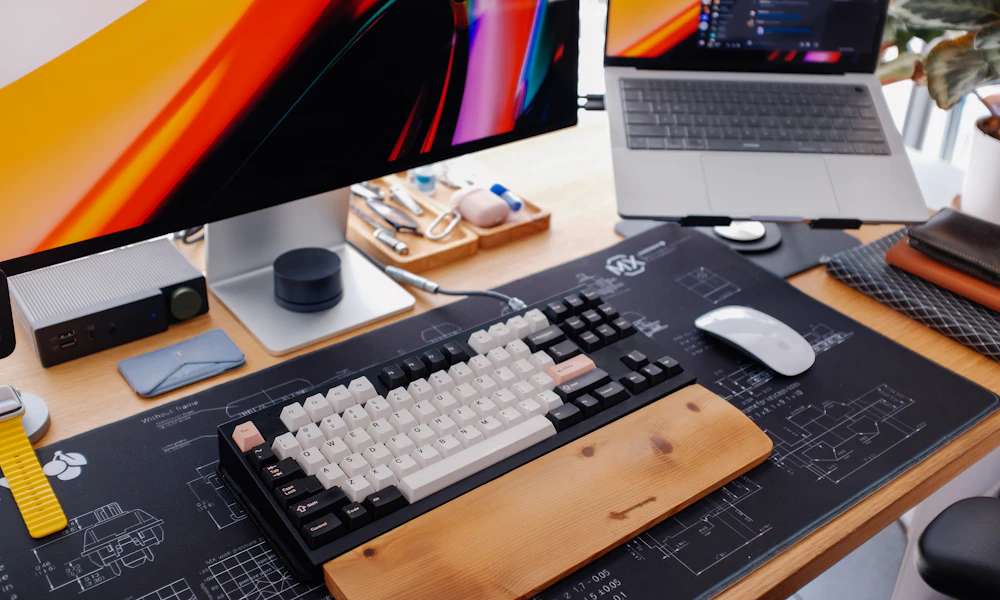
Getting the tray right doesn’t help much if your monitor height is still wrong. A screen set too low pulls your head and shoulders forward, which drags your elbows out of the 90 to 100 degree range you just dialed in, even if the tray itself hasn’t moved an inch. The two numbers get adjusted together, not one after the other and forgotten about. Check our guide to correct monitor height for ergonomics once the tray is set, since fixing one without the other usually just moves the strain from your wrists up to your neck.
Signs Your Keyboard Tray Height or Angle Is Wrong
- Tingling or numbness in your ring and little fingers after typing sessions usually means your elbow angle is too tight, past 100 degrees, compressing the nerve at the elbow.
- Aching across the top of your forearm points to a keyboard set too high, forcing your wrists into extension.
- A tray that won’t hold its angle and drifts back to flat during the day means the tilt mechanism is worn out or wasn’t engaged correctly. Check the lock lever before assuming you need a new tray.
- If you catch yourself resting your wrists on the desk edge in front of the tray while typing, the tray is probably too low relative to your chair, and you’re compensating by propping up your hands.
Frequently Asked Questions
What’s the ideal keyboard tray height for a standing desk?
Roughly the same elbow angle rule applies, 90 to 100 degrees, but measured while standing. Most people land a few inches higher than their seated height, and a slightly steeper negative tilt, up to 15 degrees, often feels more comfortable.
Do I need a keyboard tray if my desk is already height adjustable?
Often yes. An adjustable desk changes the height of the whole surface, but a separate tray still lets you fine-tune keyboard height and add negative tilt independently, which a flat desktop can’t do.
How do I know if my negative tilt angle is set correctly?
Type for a few minutes and check your wrist angle. If your hands feel like they’re reaching upward to hit the keys, increase the negative tilt. If your wrists feel like they’re dropping down at the palms, reduce it slightly.
Can a keyboard tray cause wrist pain if it’s adjusted wrong?
Yes. A tray set too high or without negative tilt can create the same wrist extension problem it’s meant to solve, just moved a few inches. Getting both the height and the angle right matters more than having a tray at all.
Does a mechanical keyboard change the correct height?
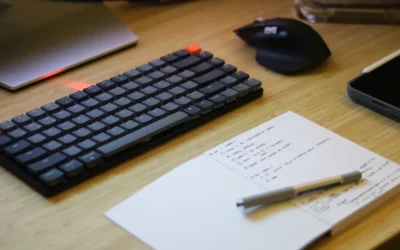
A little. Taller keycaps and thicker cases add roughly half an inch to a full inch of height, so measure with the actual keyboard you use, not a generic estimate, especially if you’re near the edge of a height range.
Get the height right, elbows at 90 to 100 degrees, and the angle right, 5 to 10 degrees of negative tilt, and most keyboard-related wrist strain goes away on its own. Check both again after any change to your chair or desk height, since the two numbers depend on each other.


Write Your Review
No reviews yet. Be the first to share your experience!