

For most home office setups, an external monitor beats a laptop stand for fixing neck pain, mainly because it gives you more screen and is easier to get right the first time. A laptop stand paired with an external keyboard gets about 90 percent of the same benefit for roughly half the cost, and it travels with you.
- Cleveland Clinic notes a slight forward glance can make your head feel like 27 pounds, and a 30 degree tilt pushes that to about 40 pounds, whichever screen you’re looking at.
- A laptop stand only fixes neck posture if you also add an external keyboard and mouse. Without one, your wrists take the hit instead.
- External monitors typically run $150 to $400 with a mount, versus $30 to $150 for a stand plus a keyboard and mouse.
- Mayo Clinic recommends pairing a laptop with an external keyboard, mouse, and stand specifically when you’re using it at a desk.
- A laptop stand packs into a bag for travel. A monitor setup stays put on the desk.
This article is for informational purposes only and is not medical advice. If you have persistent neck pain, consult a physician or physical therapist.
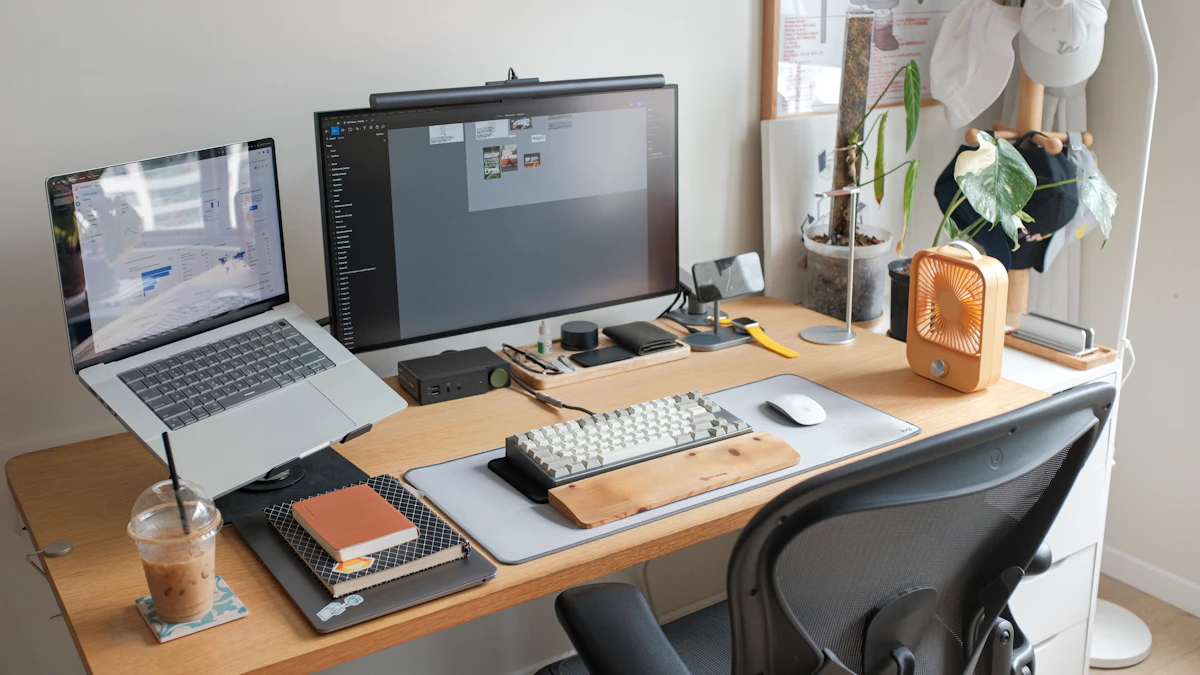
In this article:
- What is a laptop stand?
- What is an external monitor setup?
- Neck and posture
- Cost
- Space and portability
- When a laptop stand is the better choice
- When an external monitor is the better choice
- Can you use both?
- Frequently asked questions
| Laptop Stand + Keyboard | External Monitor + Keyboard | |
|---|---|---|
| Neck posture | Matches monitor setup once paired with a keyboard | Same result, plus more screen to work with |
| Typical cost | $30 to $150 total | $150 to $400 for monitor and arm |
| Screen size | Limited to the laptop, usually 13 to 16 inches | 24 inches or larger |
| Portability | Packs into a bag, travels easily | Stays at the desk |
| Setup time | A few minutes | Longer, cables and mounting involved |
| Multitasking room | One screen | Room for a second screen alongside the laptop |
| Best for | Travelers, small desks, tight budgets | Permanent desks, heavy multitasking |
What Is a Laptop Stand?
A laptop stand is a riser that lifts your laptop’s built-in screen closer to eye level. On its own it only solves the screen height half of the ergonomics problem. Paired with a separate keyboard and mouse, it turns a laptop into something close to a full desktop setup, at a fraction of the size and cost. Stands range from a simple $20 folding riser to a $150 articulating arm with a VESA mount, and most fold flat enough to slide into a backpack.
What Is an External Monitor Setup?
An external monitor is a separate screen, usually 24 inches or larger, that you plug your laptop into and use instead of the built-in display. Paired with an external keyboard and mouse, it gives you a full-size screen, often on a monitor arm you can adjust independently of the laptop. The laptop itself usually closes or sits off to the side once the monitor takes over. Some people keep both active, using the laptop as a second display next to the main monitor, which is its own small cable-management project the first time you set it up.
Laptop Stand vs External Monitor: Neck and Posture
Cleveland Clinic points out that the strain on your neck climbs fast the further you tilt your head forward. A slight downward glance already loads your neck with the equivalent of a 27-pound weight, and at a 30 degree tilt that climbs to about 40 pounds (Cleveland Clinic, Are Your Screens a Pain in the Tech Neck?). Neither a laptop stand nor a monitor fixes this by existing. What matters is getting the top of the screen at or slightly below eye level and about an arm’s length away, whichever screen you choose. A monitor on an adjustable arm makes that easier to dial in precisely than a fixed-height laptop stand, since you can fine-tune height, tilt, and distance independently instead of stacking risers under a fixed platform.
Mayo Clinic’s office ergonomics guidance is direct about laptops specifically: if you’re using one at a desk, add an external keyboard, mouse, and a stand to get closer to a proper desktop setup (Mayo Clinic, Office Ergonomics: Your How-To Guide). Research comparing a laptop-plus-stand setup against a plain laptop found lower mechanical load on the neck and less reported strain with the stand in place, as long as a separate keyboard came with it. A larger external screen also tends to reduce the squinting and leaning forward that comes with a cramped 13-inch laptop display, though that’s more of an eye strain issue than a neck one.
None of this is medical advice. If your neck pain is already severe or lasting more than a few weeks, that’s a conversation for a doctor or physical therapist, not a product comparison.
Laptop Stand vs External Monitor: Cost
A laptop stand plus keyboard costs $30 to $150 depending on how adjustable you go. A comparable external monitor setup runs $150 to $400 once you add a decent monitor and a proper arm, more if you want a larger or higher-resolution screen. The gap narrows if you already own a spare monitor, in which case a $20 to $40 arm is the only new cost. Either purchase may qualify for FSA or HSA reimbursement if your employer’s plan covers ergonomic equipment, worth checking before you buy either one.
Laptop Stand vs External Monitor: Space and Portability
A laptop stand takes up a few square inches of desk and folds flat for a bag. An external monitor setup is a permanent fixture. It needs desk depth for the arm’s clamp and cable slack for the display, and a wall outlet within reach if the monitor doesn’t run off the laptop’s own power. If you split time between a home office and a coworking space, or move apartments often, that difference matters more than the price tag. A studio apartment with a fold-down desk is a laptop stand situation. A spare bedroom that’s permanently your office is a monitor situation.
When a Laptop Stand Is the Better Choice
Pick a laptop stand if you’re working from more than one location, have a small desk that can’t fit a second screen, or want to keep the budget under $100. It’s also the better call if you’re not sure yet how much you’ll use a home office setup and don’t want to commit to a permanent monitor. Our picks for laptop stands built for standing desks cover models that hold up to daily adjustment.
When an External Monitor Is the Better Choice
Pick an external monitor if you have a dedicated desk that isn’t moving, spend most of your day switching between windows or running two apps side by side, or you’ve already noticed eye strain from a small screen. A monitor arm adds height and angle adjustment on top of the extra screen space. Our picks for dual monitor arms for small desks cover setups that don’t eat up your whole desk depth.
Can You Use Both?
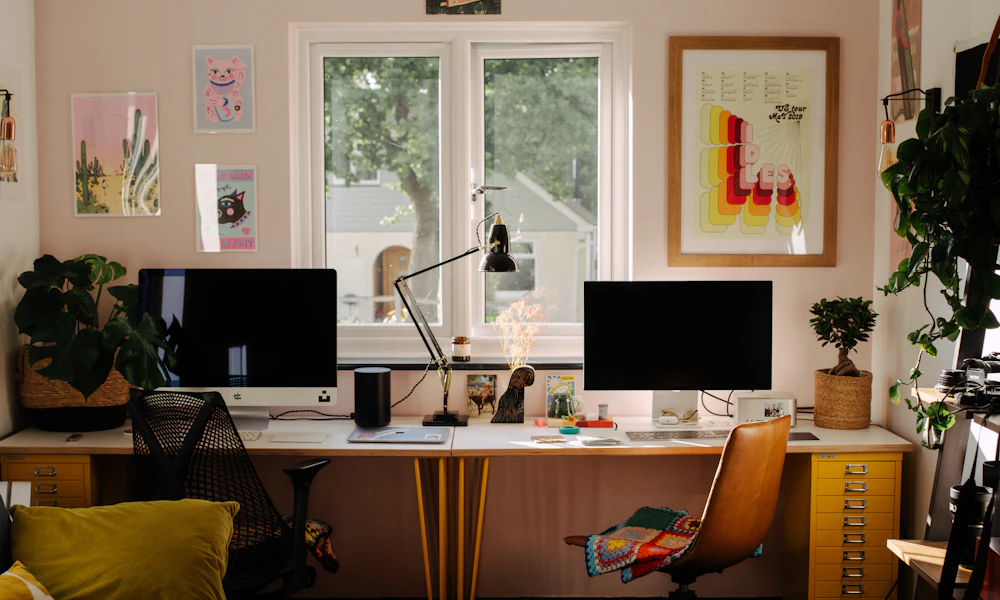
Yes, and it’s a common setup once people have both. Keep the external monitor as your main screen and use a laptop stand to raise the laptop’s screen to a similar height alongside it, so you’re not tilting your head down to check the smaller screen. This is also the standard setup our guide to whether you need a laptop stand for ergonomics recommends once you’re using a laptop more than an hour a day, and it pairs naturally with a proper laptop desk setup.

Frequently Asked Questions
Can a laptop stand alone fix neck pain?
Not by itself. It only raises the screen. Without a separate keyboard and mouse, you trade neck strain for wrist and shoulder strain instead.
Is a monitor arm necessary, or can I just set the monitor on a box?
A fixed riser works for a single fixed height. An arm lets you adjust height and angle as you switch between sitting and standing, or between users on a shared desk.
Which is cheaper in the long run?
A laptop stand and keyboard, usually by $100 or more, unless you already own a spare monitor and only need to buy an arm.
Can I use my laptop screen and an external monitor at the same time?
Yes. Most laptops support this as a second display. Raising the laptop on a stand next to the monitor keeps both screens closer to the same eye level.
Do I need both a laptop stand and a monitor?
Only if you’re running a dual-screen setup. For a single-screen desk, pick whichever one matches your budget, space, and how often you move locations.
Does screen size actually affect neck strain, or just eye strain?
Mostly eye strain and posture indirectly. A cramped screen encourages you to lean in and hunch forward to read small text, which adds neck strain on top of whatever angle the screen sits at.
Both a laptop stand and an external monitor can fix laptop-related neck pain when they’re paired with a separate keyboard and mouse. A monitor gives you more screen and easier adjustment for a permanent desk. A stand costs less and travels with you. Pick based on how often you move, not just the price tag.


Write Your Review
No reviews yet. Be the first to share your experience!