

An ergonomic office chair is the better choice for most people working 6+ hours a day, since it’s built around adjustable lumbar support and a synchro-tilt mechanism that keeps your spine in a neutral position. A gaming chair can work for shorter sessions or gaming-focused setups, but few gaming chairs carry BIFMA certification, the industry safety and durability standard for office seating.
- Ergonomic office chairs use a synchro-tilt mechanism, where the backrest reclines further than the seat pan, keeping your hips and spine aligned through a recline. Most gaming chairs use a simpler center-tilt mechanism instead.
- Cornell University’s ergonomics program (CUErgo) recommends a reclined seated posture of roughly 100 to 110 degrees to reduce muscle activity in your back over a workday.
- Gaming chairs are built around racing-seat bucket shapes with fixed side bolsters, which can feel great for an hour of gaming but restrict the hip movement your body wants during an 8-hour workday.
- Very few gaming chairs are tested to ANSI/BIFMA X5.1, the general-purpose office chair standard covering stability, durability, and structural safety for daily office use.
- A gaming chair with real adjustable lumbar support and a synchro-tilt recline can work fine for gaming-heavy setups, but that’s the exception in the category, not the rule.
In this article:
- What Is a Gaming Chair?
- What Is an Ergonomic Office Chair?
- Gaming Chair vs Ergonomic Office Chair: Comfort for Long Sessions
- Gaming Chair vs Ergonomic Office Chair: Adjustability
- Gaming Chair vs Ergonomic Office Chair: Durability and Certification
- When a Gaming Chair Is the Better Choice
- When an Ergonomic Office Chair Is the Better Choice
- Can You Use a Gaming Chair as Your Only Office Chair?
- Frequently Asked Questions
What Is a Gaming Chair?
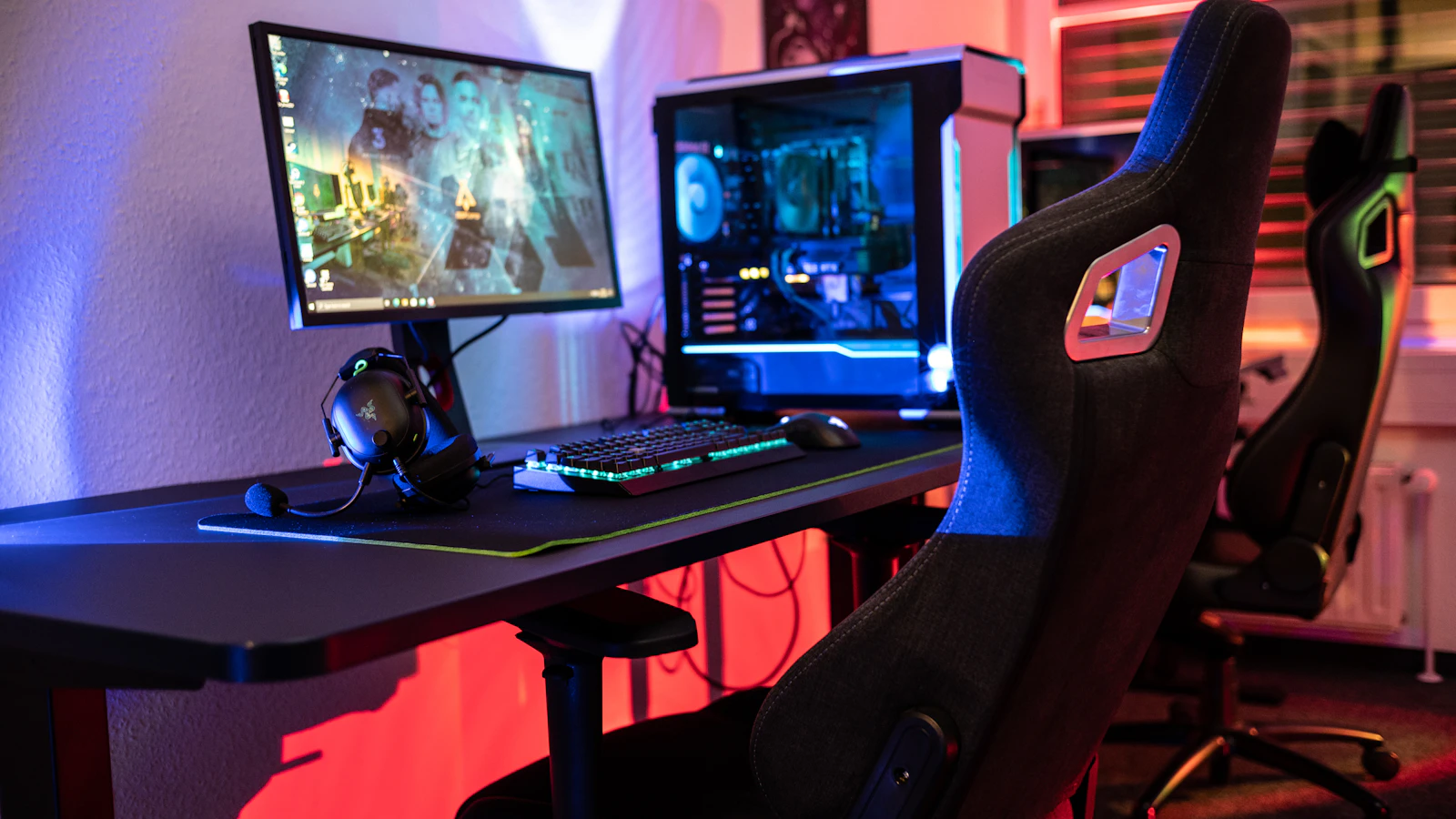
A gaming chair is a racing-seat-style chair built around a bucket shape with high side bolsters on the seat and backrest. Most use a PU leather or fabric cover, a steel frame, and a reclining backrest that can drop close to flat. The design borrows directly from car racing seats, which is where the category got its start in the early 2000s. Lumbar and neck support usually come as a clip-on or strapped pillow rather than a built-in adjustable mechanism. Price is a real draw here too: a well-reviewed gaming chair often costs less than a mid-range ergonomic chair with comparable build quality, which is part of why the category has crossed over into home offices well beyond its original gaming audience.
What Is an Ergonomic Office Chair?
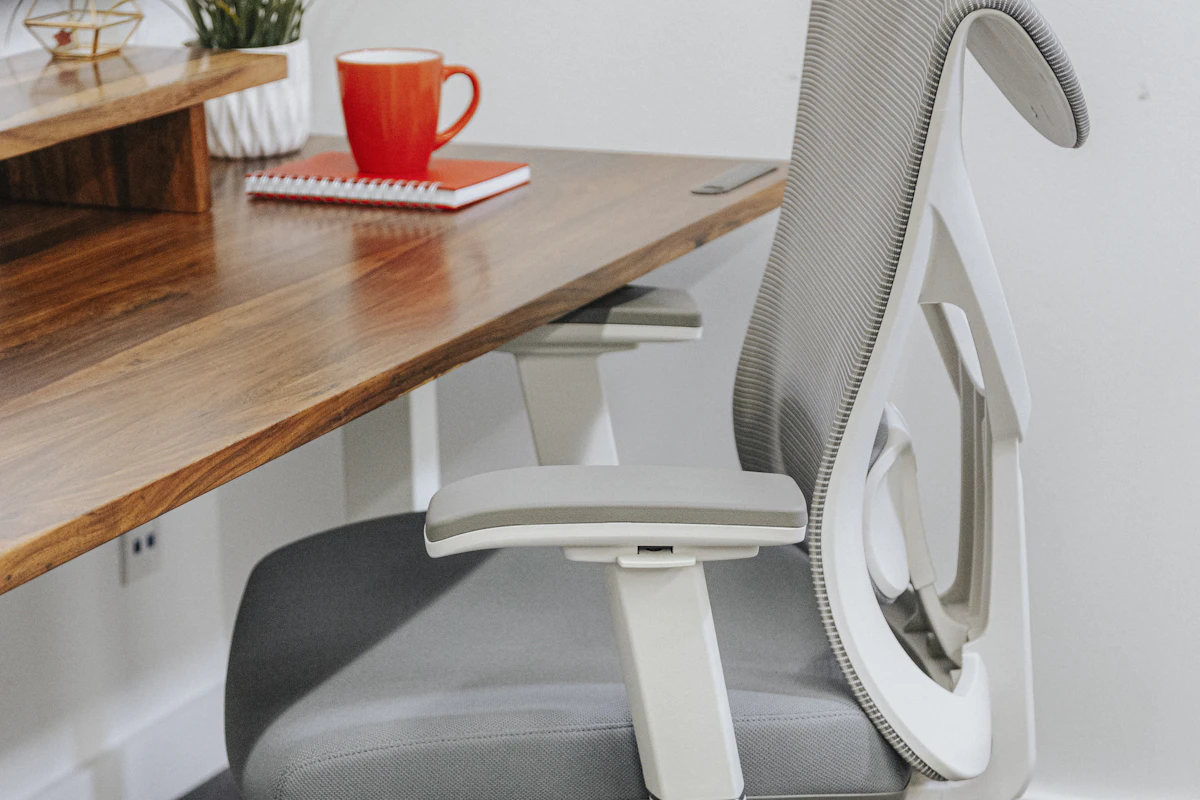
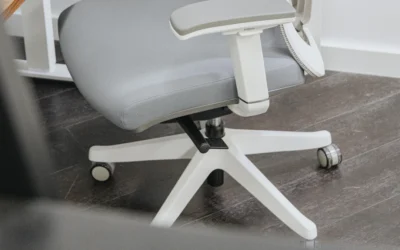
An ergonomic office chair is designed around adjustable support points: seat height, seat depth, lumbar position and depth, armrest height and width, and backrest tension. The goal is a neutral spine position that a range of body sizes can reach without buying a custom chair. Most ergonomic chairs use a synchro-tilt or multi-tilt mechanism, mesh or cushioned upholstery, and a five-point base rated for daily commercial use. Ergonomic chairs also tend to use breathable mesh backs more often than gaming chairs, which lean heavily on PU leather that traps heat during long sessions. Our guide to what to look for in an ergonomic office chair covers each adjustment point in more depth.
Gaming Chair vs Ergonomic Office Chair: Comfort for Long Sessions
Comfort depends on session length more than most people expect. A gaming chair’s bucket seat and side bolsters feel supportive for the first hour, holding your hips in place during quick movements. Over a full workday, those same bolsters restrict the small position shifts your body naturally makes to avoid pressure points. Ergonomic office chairs are built for the opposite scenario: a synchro-tilt mechanism lets your hips and spine move together through a recline, and CUErgo’s research points to a 100 to 110 degree reclined posture as the target for reducing back muscle load over a full day. If your main use case is 6 or more hours at a desk, that difference adds up.
Gaming Chair vs Ergonomic Office Chair: Adjustability
This is where the two categories diverge most. Ergonomic office chairs typically separate seat height, seat depth, lumbar height, lumbar depth, armrest position, and recline tension into individual controls. Cornell’s ergonomic chair guidelines specifically call for a seat pan at least one inch wider than your hips on either side and a lumbar backrest you can adjust independently, since a chair meant for more than one person needs that range. Gaming chairs usually offer seat height and recline angle only, with lumbar support handled by a separate pillow you position by feel rather than a built-in mechanism.
Gaming Chair vs Ergonomic Office Chair: Durability and Certification
ANSI/BIFMA X5.1 is the industry standard for general-purpose office chairs, covering stability, durability, and structural safety testing for daily commercial use. Most established ergonomic chair brands publish BIFMA test results or certification directly. Gaming chairs are a much younger, less regulated category, and BIFMA certification is uncommon among them, since they’re typically marketed and engineered for a consumer gaming audience rather than eight-hour office duty cycles. That doesn’t mean every gaming chair falls apart under daily use, but it does mean you’re buying without the same third-party durability testing behind it. Warranty length is a reasonable proxy when certification data isn’t published: established ergonomic chair brands tend to back their chairs for markedly longer periods than typical gaming chair warranties, which is a fair reflection of how each category expects the chair to be used day to day.
| Feature | Gaming Chair | Ergonomic Office Chair |
|---|---|---|
| Recline mechanism | Center-tilt, basic recline | Synchro-tilt, seat and back move together |
| Lumbar support | Clip-on or strapped pillow | Built-in, independently adjustable |
| Seat depth adjustment | Rare | Common on mid-range and above |
| BIFMA X5.1 certification | Uncommon | Common among established brands |
| Best for | Short to medium gaming sessions | 6+ hour workdays |
When a Gaming Chair Is the Better Choice
A gaming chair makes sense if your primary use case really is gaming: shorter sessions with more frequent breaks, a room where the chair’s look matters as much as its function, or a budget where a gaming chair’s price point beats a comparable ergonomic chair. If you already own a gaming chair and mostly use it for evenings and weekends rather than a full workday, there’s no strong health reason to replace it. A gaming chair also makes sense in a shared space, like a den that doubles as a guest room, where a chair that looks at home outside a work context matters more than it would in a dedicated office.
When an Ergonomic Office Chair Is the Better Choice
Choose an ergonomic office chair if you’re sitting 6 or more hours a day, especially for remote or hybrid work where the chair is doing double duty. It’s also the better call if you’ve had back, neck, or hip discomfort that shows up by mid-afternoon, since that’s often a sign your current seat isn’t supporting a neutral spine position. This matters even more if you’re on a hybrid schedule, since the chair effectively has to do double duty across both work and personal use without a clean break to reset your posture habits between the two. See our picks for office chairs built for larger frames and mesh office chairs for warmer rooms if either applies to your setup.
Can You Use a Gaming Chair as Your Only Office Chair?
You can, and plenty of people do without major issues, especially if the chair has real adjustable lumbar support and a synchro-tilt recline rather than the basic center-tilt found on most budget models. A small number of hybrid chairs blend racing-seat styling with ergonomic mechanisms, and our mesh gaming chair picks and big and tall gaming chair picks cover models built with office use in mind. If you’re prone to back pain, though, it’s worth reading through the signs your current chair is bad for your back before deciding a gaming chair is close enough.
Frequently Asked Questions
Can a gaming chair cause back pain?
A gaming chair itself doesn’t cause back pain, but its fixed bolsters and limited lumbar adjustment can leave your lower back unsupported during long sessions, which is associated with more reported discomfort over a full workday.
Are any gaming chairs BIFMA certified?
A small number of gaming chair models from brands that also sell office furniture carry BIFMA certification, but most mainstream gaming chairs are not tested to ANSI/BIFMA X5.1.
Is an ergonomic office chair worth the extra cost over a gaming chair?
For 6 or more hours of daily use, most people find the adjustable lumbar support and synchro-tilt recline worth it, since those features directly target the fatigue that builds up over a full workday.
Do gaming chair lumbar pillows work as well as built-in lumbar support?
A lumbar pillow can help, but it shifts out of place more easily than a built-in adjustable mechanism, so it tends to need repositioning throughout the day to stay effective.
How do I know it’s time to switch from a gaming chair to an ergonomic office chair?
If you’re noticing back, neck, or hip discomfort by mid-afternoon on most workdays, that’s a common sign your current chair isn’t supporting a neutral spine position for the hours you’re actually using it.
For most people working a full day at a desk, an ergonomic office chair’s adjustable lumbar support and synchro-tilt recline outperform a gaming chair’s fixed bolsters over time. If gaming is your main use case, or your sessions run shorter, a gaming chair remains a reasonable choice, just don’t expect it to carry the same BIFMA-tested durability as dedicated office seating.



Write Your Review
No reviews yet. Be the first to share your experience!