

Desk stretches for office workers target the neck, shoulders, and wrists, held 15 to 30 seconds each, per Mayo Clinic’s office stretch guidance. Pair them with getting up roughly every 30 minutes. OSHA separately recommends a five-minute break from computer tasks every hour, and stretching is a good way to use part of it.
- Mayo Clinic recommends holding each desk stretch, neck, shoulder, or wrist, for 15 to 30 seconds, repeated on both sides where relevant.
- OSHA’s Computer Workstations eTool recommends a five-minute break from computer tasks every hour, separate from but compatible with a stretching routine.
- Mayo Clinic suggests getting up to move roughly every 30 minutes, in addition to any stretches done seated or standing at your desk.
- Stretches support comfort and mobility, they don’t diagnose or treat any underlying condition, and pain during a stretch is a signal to stop.
This article is for general educational purposes and is not medical advice. Stop any stretch that causes pain, and talk to a doctor or physical therapist before starting a new stretching routine if you have an existing injury or condition.
In this article:
- Why desk stretches help
- 6 desk stretches for office workers
- How often to stretch
- How to build this into your workday
- When to see a doctor
- Frequently asked questions
Why Desk Stretches Help
Sitting in one position for long stretches keeps the same muscles under sustained, low-level tension, mostly in the neck, shoulders, and forearms for typical desk work. Stretching briefly interrupts that sustained load and moves joints through a range of motion they don’t get from typing and mousing alone. Mayo Clinic frames it simply: getting up and moving, including short stretches, breaks up the static posture that desk work otherwise locks you into for hours at a time (Mayo Clinic, Desk Stretches).
6 Desk Stretches for Office Workers
1. Chin Tuck
Bring your chin toward your chest and hold for 15 to 30 seconds. This targets the back of the neck, the area that carries the most load when your head drifts forward toward a screen.
2. Neck Rotation
Turn your head slowly to one side, keeping your shoulders straight and level, and hold for 15 to 30 seconds before switching sides. You’ll feel this along the side of the neck and into the shoulder.
3. Neck Side Tilt
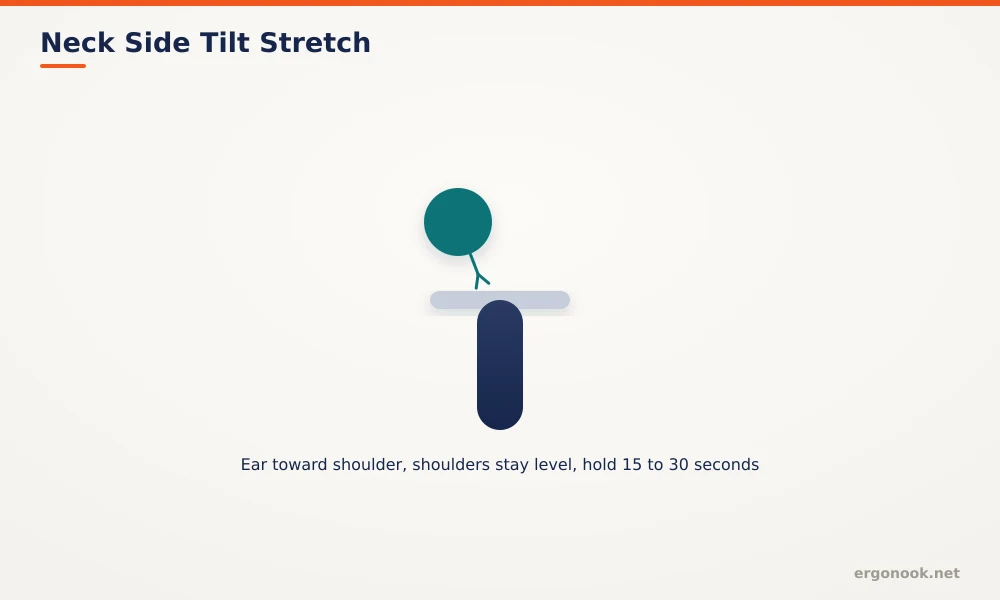
Tilt your head to one side, bringing your ear toward your shoulder without raising the shoulder to meet it, and hold 15 to 30 seconds per side.
4. Shoulder Roll
Roll your shoulders up, back, and down in a slow circular motion, repeating several times. This addresses the shoulder tension that builds from hours of forward-reaching posture at a keyboard.
5. Wrist Extensor Stretch
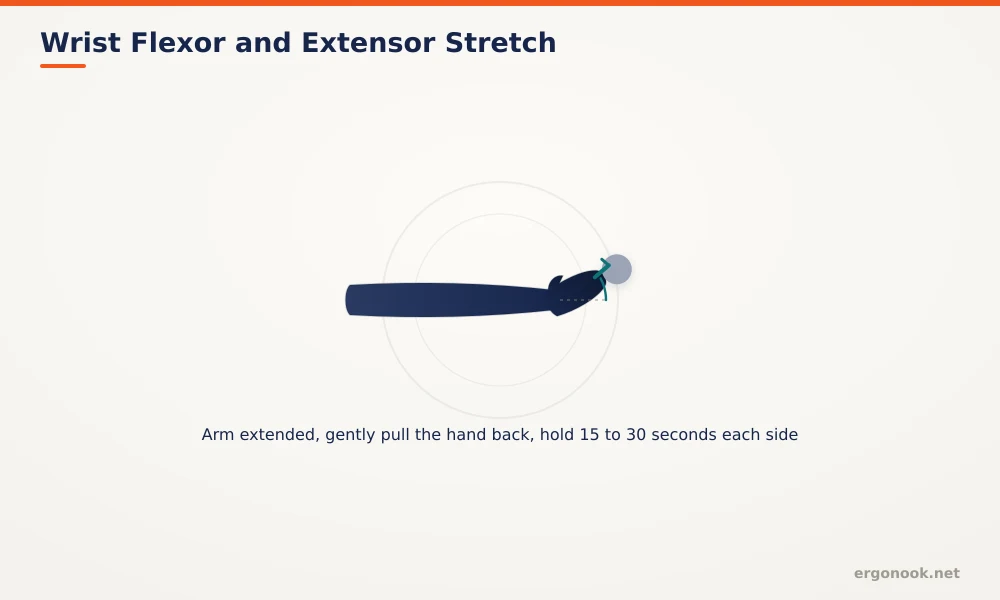
Extend one arm in front of you, palm facing down, then gently bend the hand downward and pull it toward you with your other hand. Hold 15 to 30 seconds, then switch sides.
6. Wrist Flexor Stretch
Extend one arm in front of you, palm facing up this time, then gently bend the hand downward and pull it toward you with your other hand. Hold 15 to 30 seconds, then switch sides (Mayo Clinic, Desk Stretches).
How Often to Stretch
Mayo Clinic suggests getting up to move roughly every 30 minutes, and stretches can happen seated, standing, or during that movement break. OSHA’s separate guidance recommends a five-minute break from computer tasks every hour, enough time to fit two or three stretches alongside simply standing and walking (OSHA). Neither guideline requires a long time commitment. A minute or two, spread across a handful of breaks through the day, covers all six stretches above.
How to Build This Into Your Workday
Stretching helps most as a habit tied to something you already do, like the start of every meeting or every time you refill water. Stretches address symptoms after they’ve built up. Fixing the setup that causes them in the first place matters just as much. If wrist and forearm tension keeps returning despite stretching, check your equipment too. Our guides on vertical mice and wrist pain and preventing carpal tunnel at work cover the setup side of the same problem.
When to See a Doctor
Stop any stretch that causes sharp pain rather than a mild, tolerable pull. If numbness, tingling, or pain persists despite regular stretching and movement breaks, or if it interferes with sleep or daily activities, that’s beyond what stretching alone can address, and it’s worth getting evaluated by a doctor or physical therapist.
Frequently Asked Questions
How long should I hold each desk stretch?
Mayo Clinic recommends 15 to 30 seconds per stretch, repeated on both sides where the stretch is one-sided.
Should I stretch standing up or seated?
Either works. Some stretches, like the wrist stretches, work fine seated. Standing up to stretch also counts toward the movement break itself.
Can stretching alone fix carpal tunnel symptoms?
Stretching supports comfort and mobility but doesn’t address underlying causes like desk height, typing force, or diagnosed conditions on its own. Treat it as one part of a broader setup, not a standalone fix.
Can I stretch during work calls?
Many of these stretches are subtle enough to do during a call, especially neck and shoulder stretches, without it being obvious on camera.
Desk stretches for office workers are a small, free habit that pairs well with regular movement breaks, not a replacement for a correctly set up desk and chair. Hold each stretch 15 to 30 seconds, stop at any sign of pain, and see a doctor if discomfort persists despite consistent effort.



Write Your Review
No reviews yet. Be the first to share your experience!